
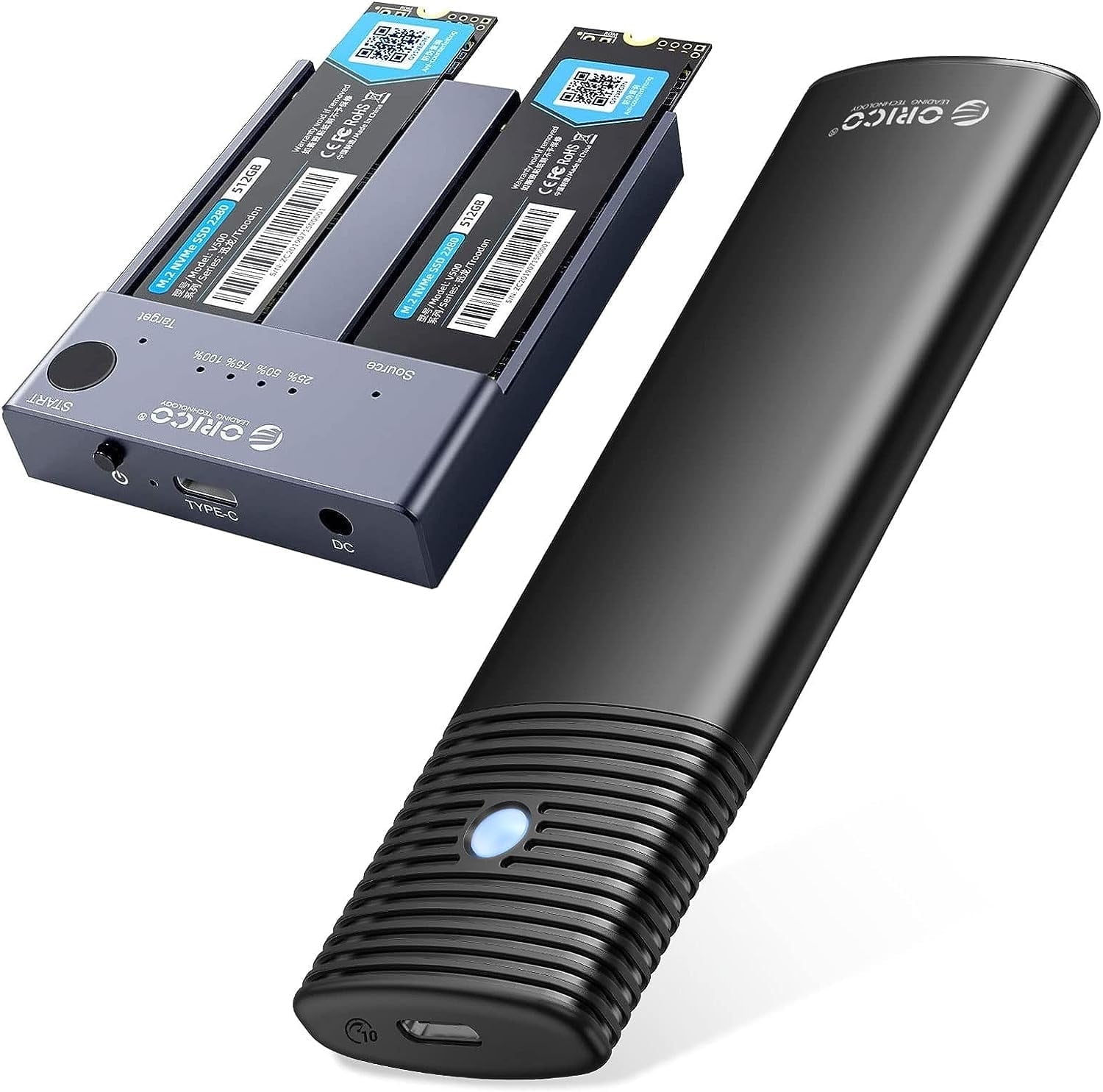
ORICO 2 Pcs/set m.2 SATA/NVMe Enclosure 10Gbps with Dual-Bay NVME Enclosure M.2 NVME Offline Clone Case Tool-Free for M Key PCIe M.2 SSD
Product details
| Management number | 230458007 | Release Date | 2026/06/18 | List Price | $44.00 | Model Number | 230458007 | ||
|---|---|---|---|---|---|---|---|---|---|
| Category | |||||||||
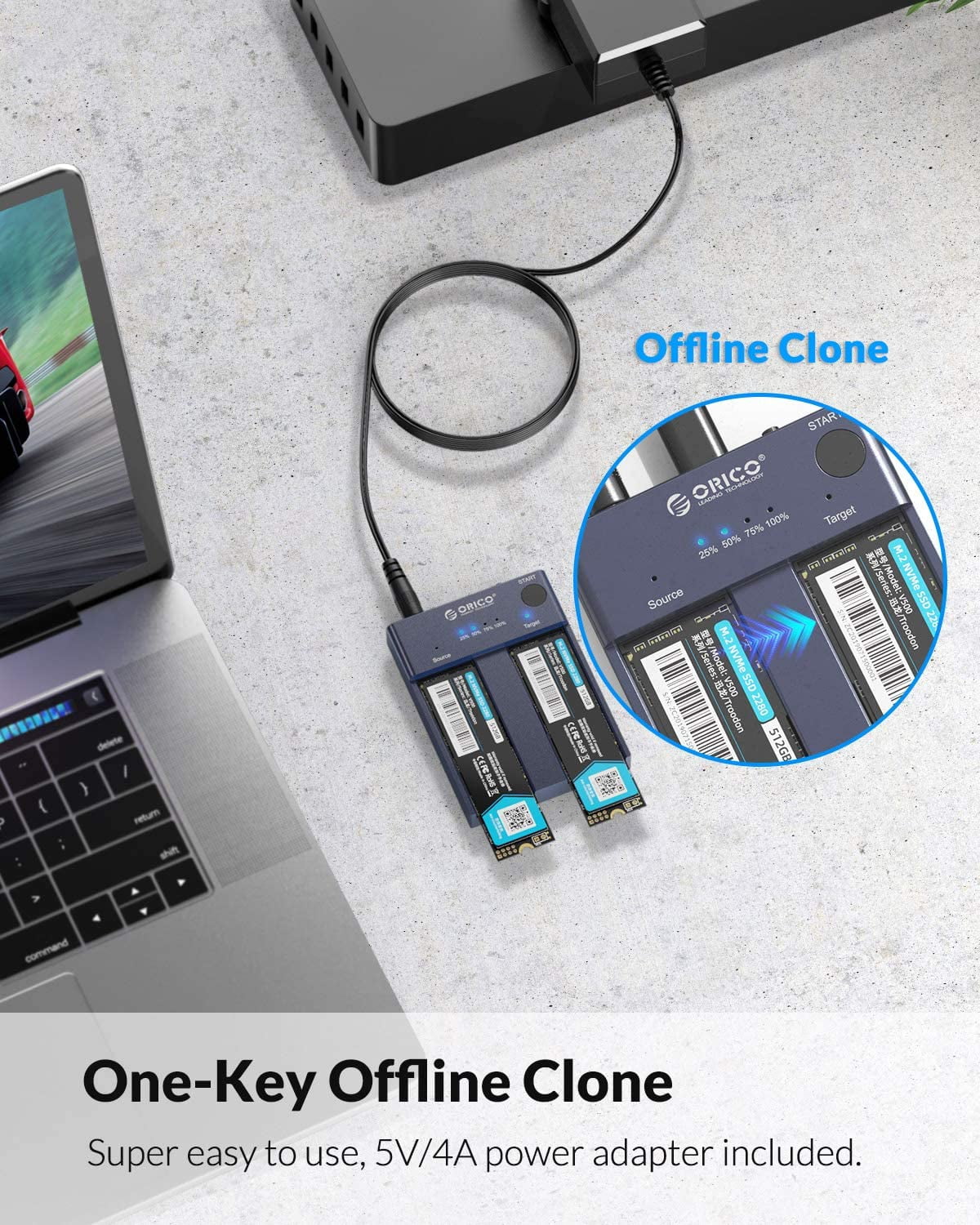
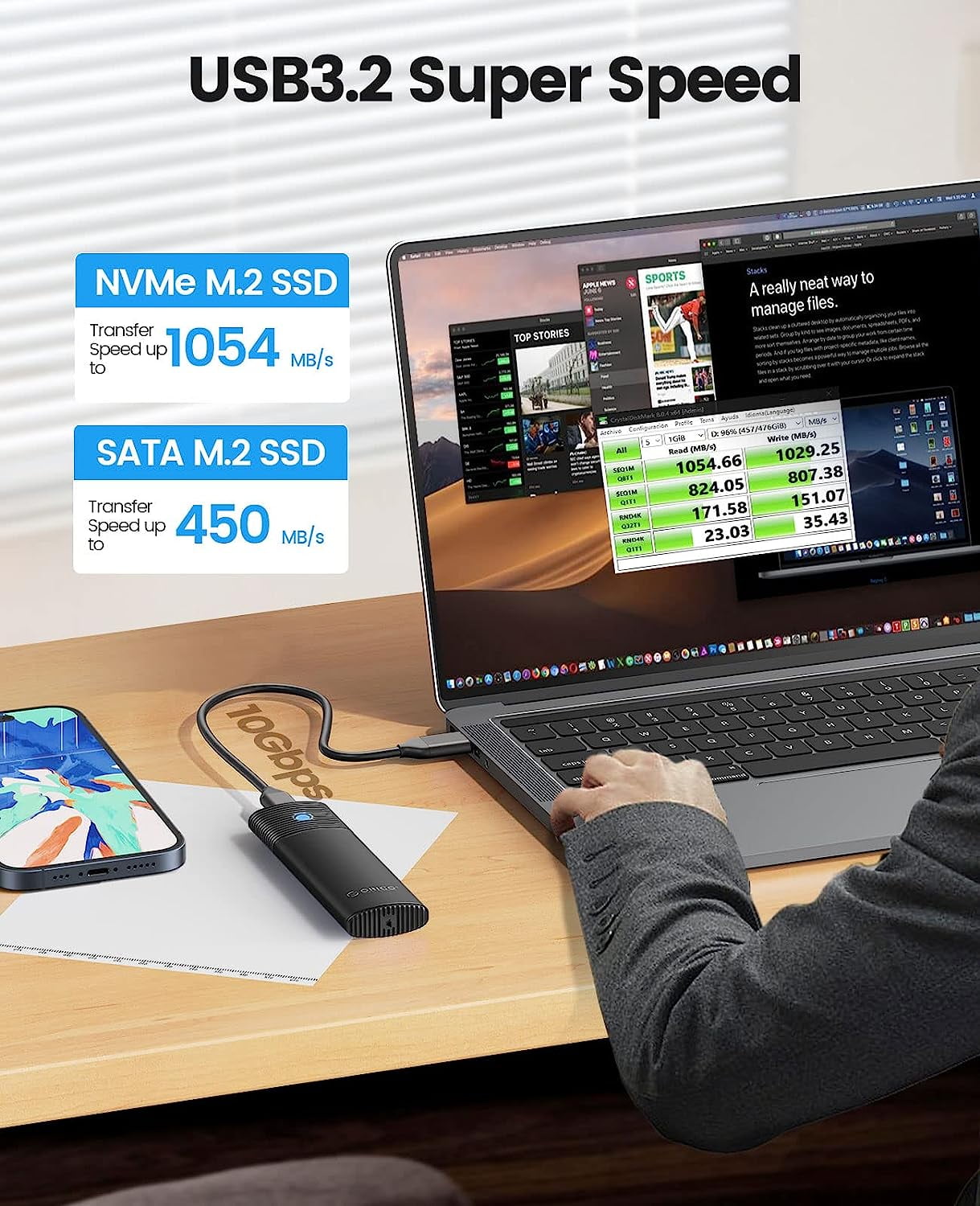
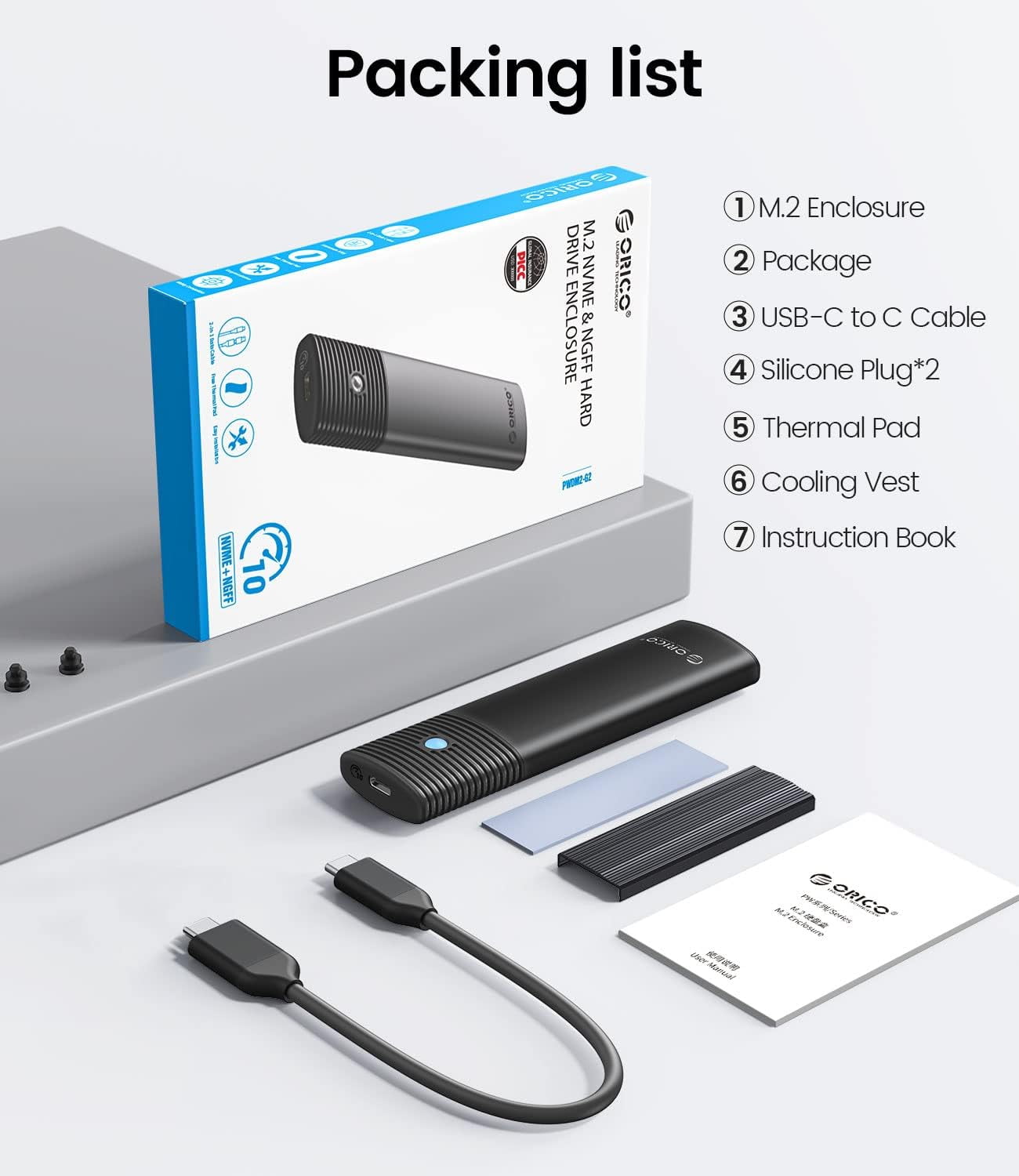
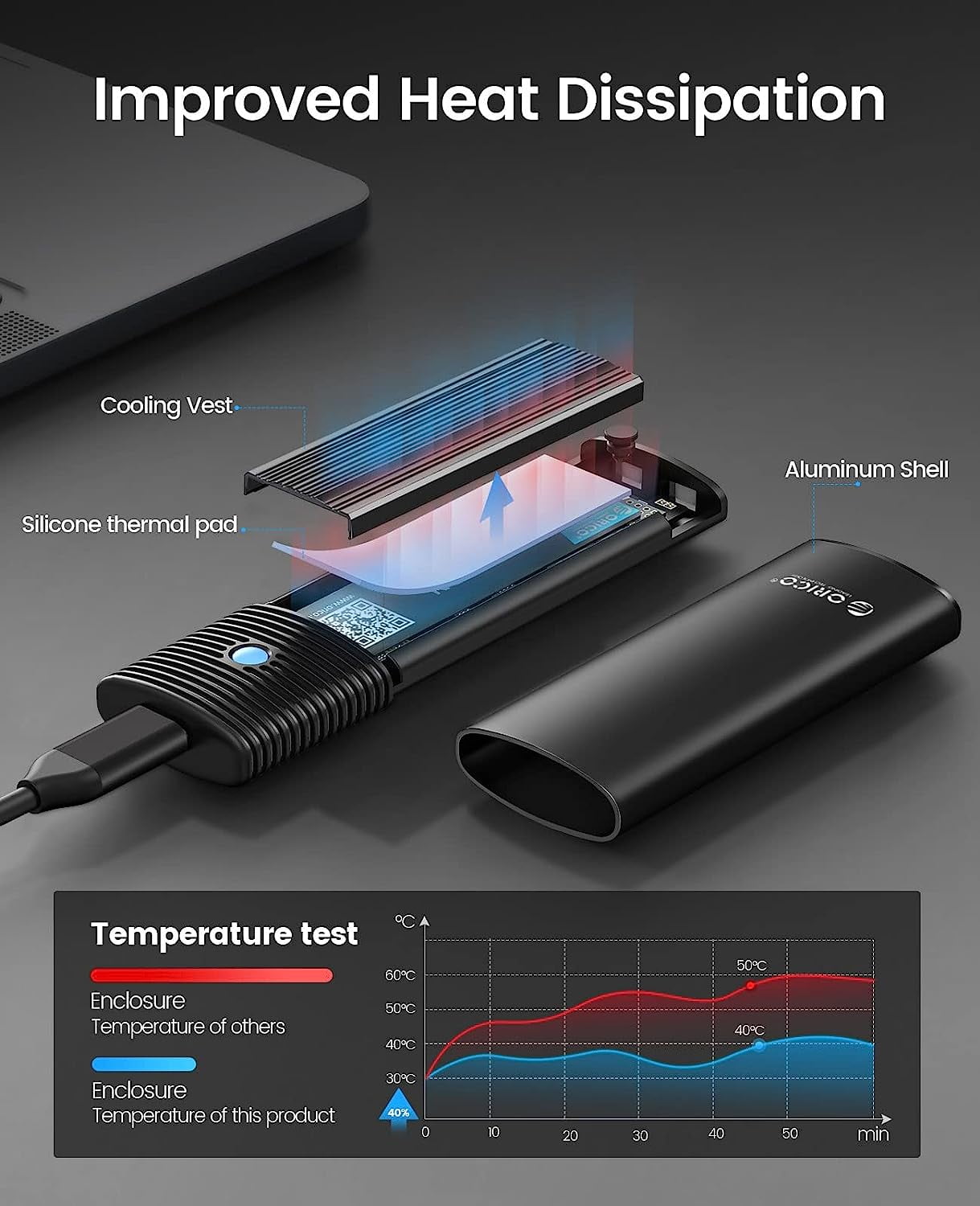
<p>Dear customer, if you have any questions after receiving the goods, please feel free to contact us. We will reply to you as soon as possible within 24 hours and we will be happy to serve you.</p> <p>📢Notice Before Use:<br>This product does not include a hard drive!!!</p> <p>ORICO M.2 SSD Enclosure (PWDM2-G2-BK)adopt USB 3.2 Gen2 Type-C Output interface,supports both SATA (5Gbps)and NVMe (10Gbps) protocols.M. 2 ssd enclosure Suitable for M-Key/B&M-Key SSD(2230、2242、2260、2280),supports 4TB max.M. 2 enclosure with 0.98ft C to C cable.</p> <p>ORICO Dual Bay nvme enclosure (M2P2)USB 3.1 Gen 2 standard(USB C port), nvme enclosure supports an amazing data transmission rate up to 10Gbps. M.2 ssd enclosure supports M Key NVMe PCIe SSD(2242 2260 2280 22110),can recognize two SSD cards at the same time, and supports a single disk up to 2TB. the NVMe m.2 docking station support one-key offline clone can directly transfer the data from Disk 1 to Disk 2 without going through the computer.</p> <p>Both M.2 hard drive cases are made of aluminum alloy to better absorb heat. Tool-free nvme ssd enclosure support Plug & Play and Hot-Swapping. Easy installation & no driver required.m. 2 ssd enclosure compatible with Windows/Mac/Linux multi-platform operating systems</p> <p><b>M2P2 Clone function attention:</b></p> <p>🔎Complete cop ying in three steps:<br>1. Put the source disk into the SOURCE slot and the target disk into the TARGET slot.<br>2. Connect the power supply without connecting the data cable.<br>3. Press and hold the START button, press and release the on/off button (the start button cannot be released. You need to keep pressing it), wait for 10-15s. After all the indicators light up, wait for 5s, and then release the START button to start copying.</p> <p>❗Attention:<br>1. Do not use a USB cable to connect to the computer during the cloning process.<br>2. If there are bad sectors in the SSD, copying may stop. Before copying, scan the SSD to make sure there are no bad sectors.<br>3. Please back up the data on the target disk before copying to avoid losing important data.<br>4. Make sure the computer recognizes both SSD disks when plugged into our nvme enclosure. If not, you cannot clone</p>
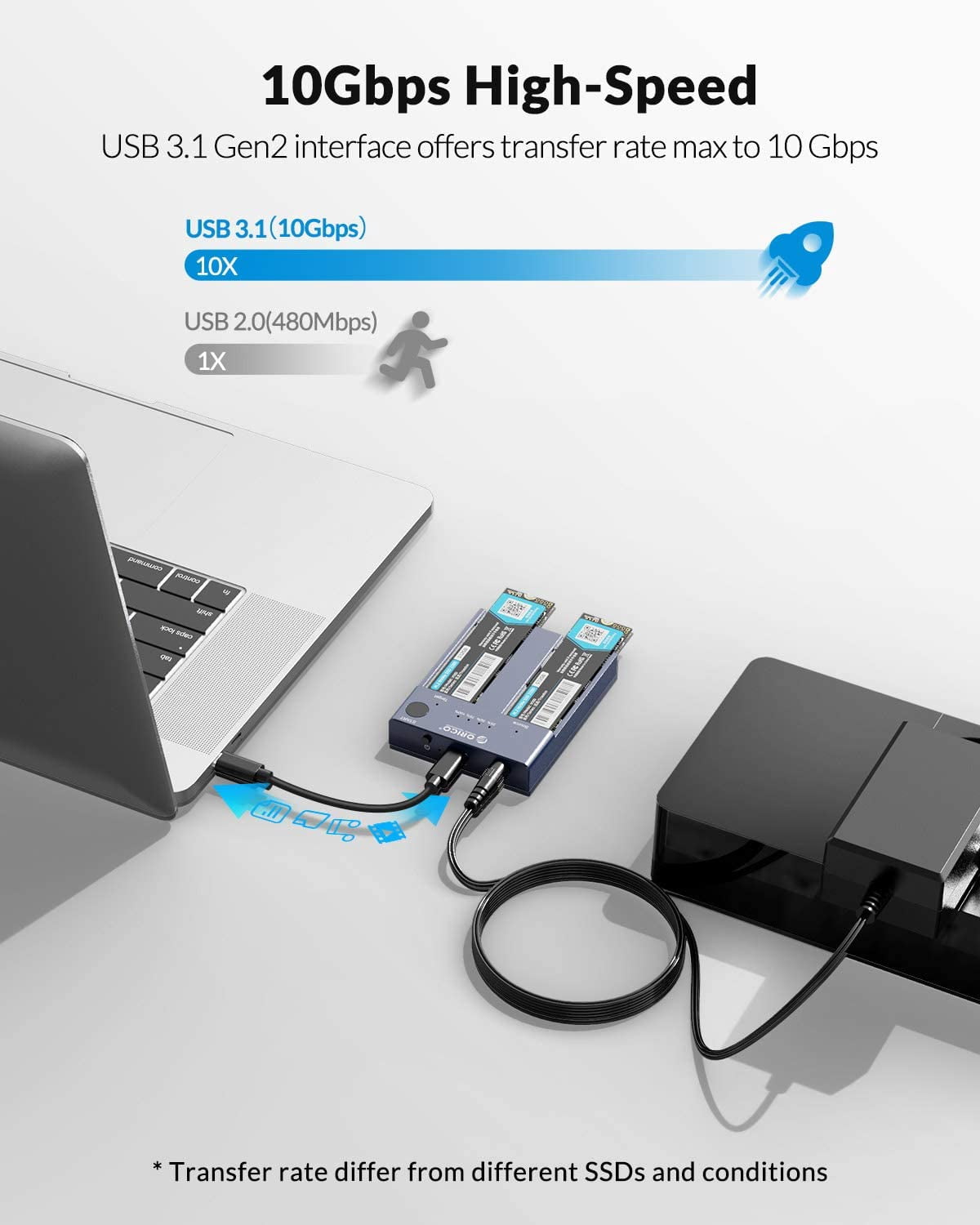
- 【10Gbps High Speed M.2 NVMe/SATA Enclosure】When using NVMe SSD, the transmission rate is 10Gbps and the read and write speed is 1000MB/s. When using M.2 SATA SSD, the transmission rate is 5Gbps, and the reading and writing speed is 450MB/s.
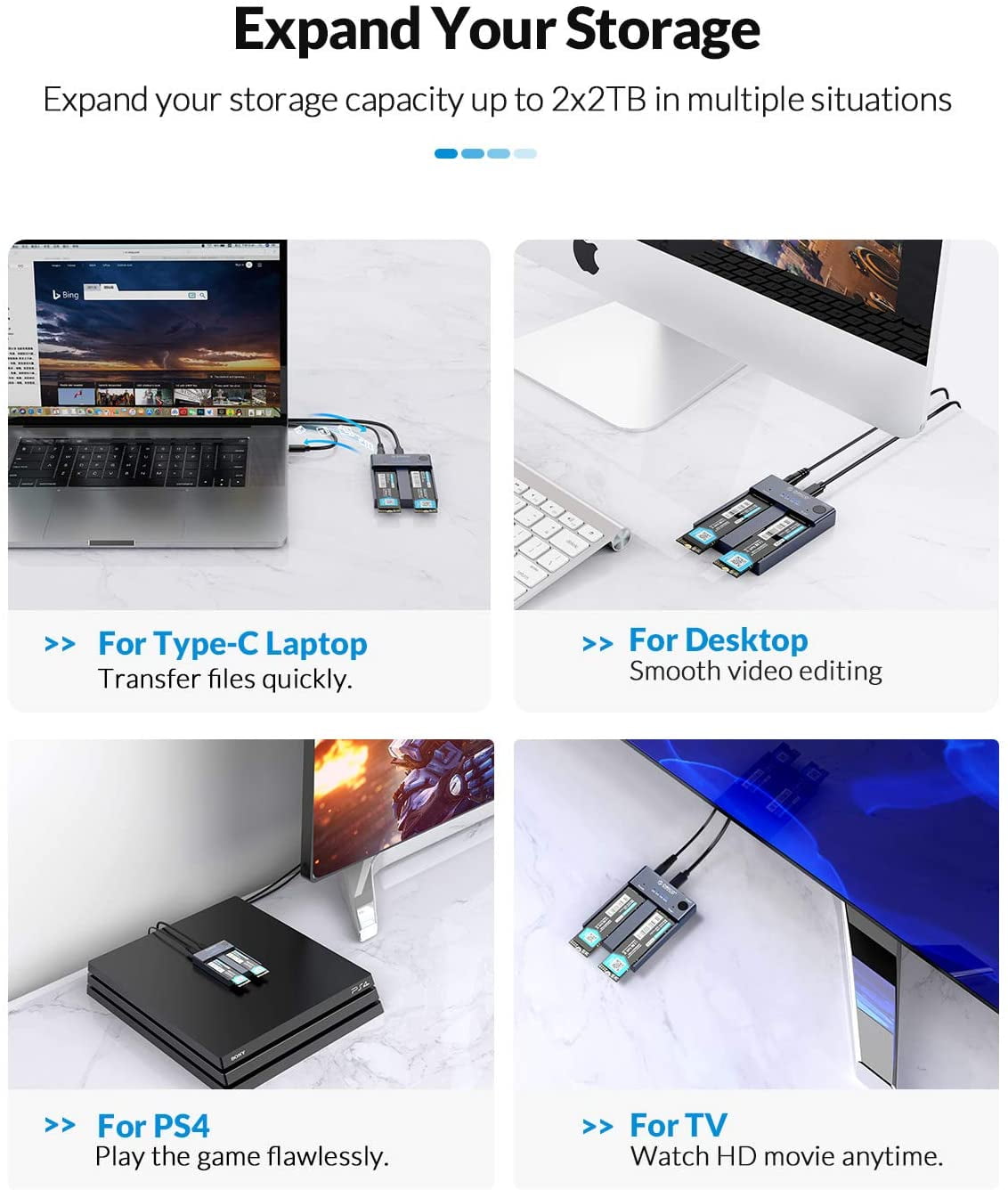
- 【ONE-KEY Offline Clone】This dual-slot hard drive enclosure can not only be used as an external NVME SSD to expand your storage capacity, but also can be used for offline backup. No need to connect to a PC, just plug in and press the start button then you can back up your important data. LED indicator can monitor the SSDs' clone progress at any time. Note: please back up the data on the target disk before cloning to avoid losing important data.
- 【10Gbps High Speed】ORICO USB 3.1 Gen2 hard disk docking station is equipped with C to C cable and C to A cable, giving you more choices. The fastest transmission speed can reach about 1000MB/S with C to C cable and about 500MB/S with C to A cable. At the same time, it supports UASP acceleration protocol which can make your NVME SSDs run more quickly and stably.
- 【Improve Heat Dissipation】This PWDM2 NVMe usb adapter is equipped with a professional Heatsink -cooling vest. With the thermal silicone and aluminum shell, quickly heat dissipation.
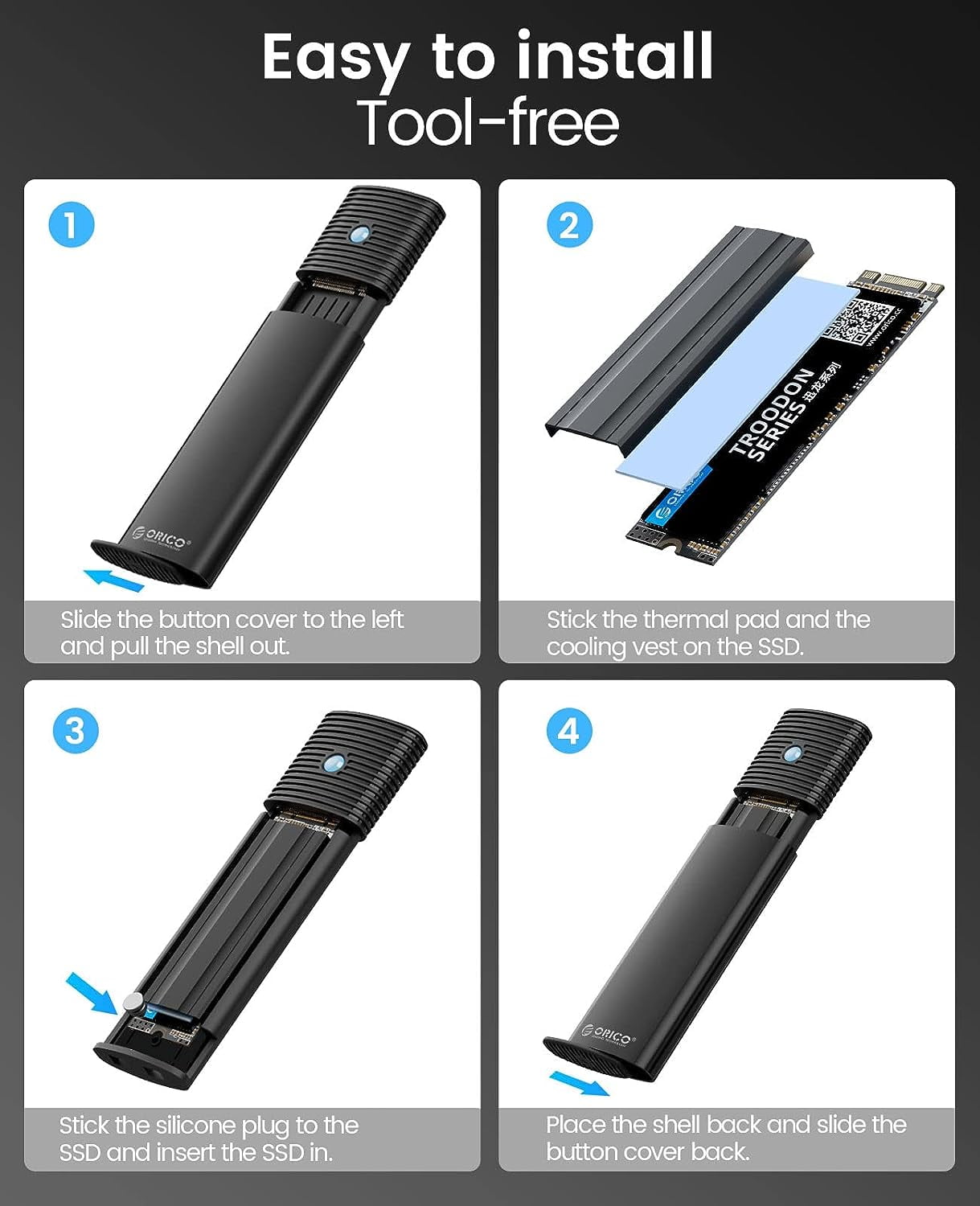
- 【Toolless Design】M2 adapter allows you to easily install the M.2 SATA SSD and M.2 NMVE SSD without tools. Open and lock the case with one click to prevent SSD from slipping out.
- ORICO offers a 12-month warranty. If you have any questions after purchase, please contact us.We will do our best to respond to your enquiry within 24 hours and give you a satisfactory answer.
| HD capacity | 4 TB |
|---|---|
| HD type | Solid State |
| Brand | ORICO |
| Internal/external | External |
| Interface type | USB 3.2, USB-C |
| Hard drive form factor | 2230 |
| Read speed | 1000MB/s |
| Write speed | 1000MB/s |
| Model name | PWDM2-G2-BK |
| Accessories | C to C cable, C to A cable |
| Compatible models | HP |
| Compatibility | Dell/Hp |
| Retail packaging | Set |
| Multipack quantity | 1 |

Bestseller ranking
Computers


Customers who viewed this product also viewed
Bread Boxes



Correction of product information
If you notice any omissions or errors in the product information on this page, please use the correction request form below.
Correction Request Form